
Can't sign up or log in on a corporate network? ("Failed to fetch")
What to do when your office network blocks Marloo: the domains to allowlist and a quick test to confirm the cause.
If you see "Failed to fetch", "NetworkError", or "We couldn't reach Marloo's servers" when signing up or logging in, and it happens every time, your organization's network is almost certainly blocking the connection. This is common at banks and other large organizations where a proxy or firewall filters web traffic. The Marloo page itself can load fine while the request your browser sends when you submit the form gets blocked.
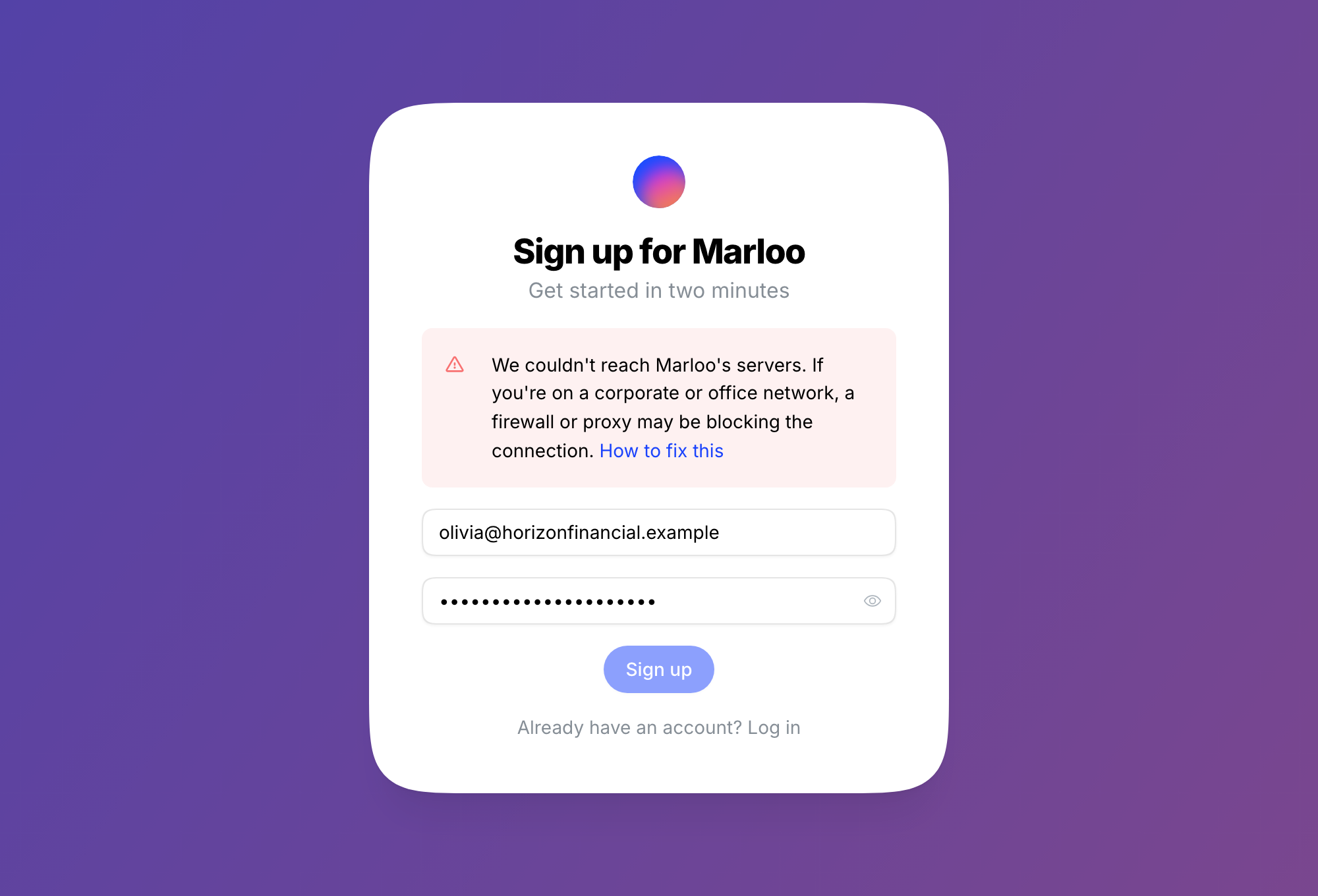
Quick check
Try signing up or logging in from a device that isn't on your work network, like your phone on mobile data. If it works there, the network is the culprit and the fix below will sort it.
The fix: ask IT to allowlist Marloo
Marloo is served from both app.marloo.com and app.gomarloo.com, so your IT or network team should allowlist both domains and their subdomains:
*.marloo.com*.gomarloo.com
That covers signup, login, and everything else you'll use once you're in, so you won't hit this again later.
For IT teams
Marloo is a web application served from app.marloo.com and app.gomarloo.com. On signup and login the browser makes HTTPS (TCP 443) requests to authentication and API services on other subdomains of marloo.com and gomarloo.com. If your proxy allows the app domain but blocks the API subdomains (often because they're uncategorized), users see a browser network error when they submit the form. Allowlist *.marloo.com and *.gomarloo.com for HTTPS. If your proxy performs TLS inspection, exclude these domains from interception as well.
Still need help?
If it also fails from a personal device, or IT has added the allowlist and you still see the error, contact us via the in-app chat or support@gomarloo.com. A screenshot and the failing request from your browser's Network tab both help.
Still stuck? Talk to a human.
Email the Marloo team with what you are seeing. If you are in the app, the blue chat button in the bottom-right corner is the fastest way to reach us.


