
How the Compliance tab works in Marloo
Check a client file against your firm's own compliance framework and track each review through to sign-off. For compliance officers and file reviewers.
The Compliance tab lets your compliance team check a client's advice against your firm's own framework, record the outcome and track each review until it's done. Marloo never checks a file automatically. A check only runs when someone on your team starts it.
Note: Compliance is for firms on the Firm plan, and only Managers and Account owners see it. If you have one of those roles and can't see the Compliance tab, contact us through the help chat.
Set up your framework
Your framework is the checklist Marloo reviews against, usually the file review sheet or QA checklist your firm already uses. Frameworks live in their own Frameworks tab, separate from your document templates.
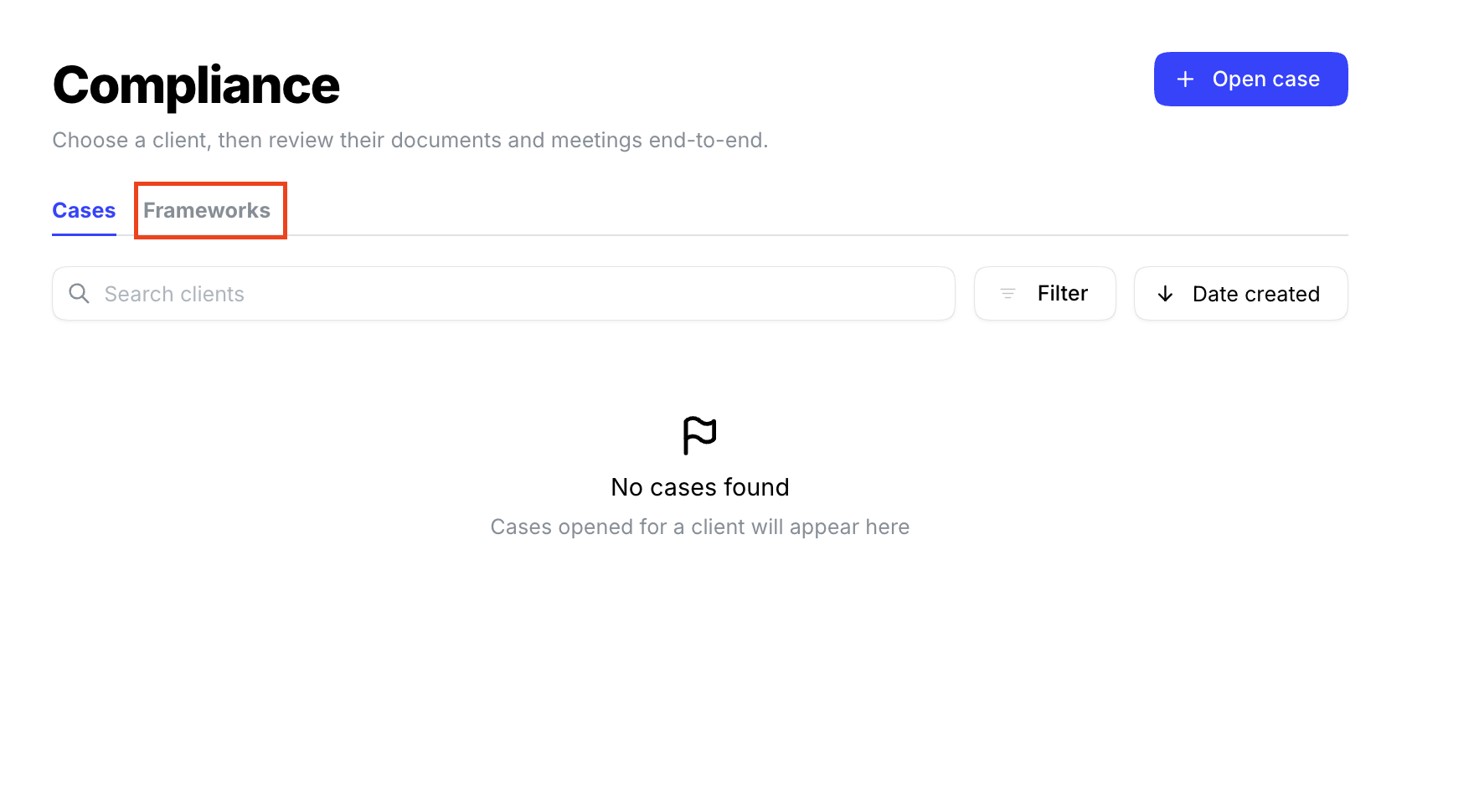
Frameworks that explain what each question is looking for give more consistent results than a list of bare questions. If your checklist is just yes/no questions, adding a line of context to each one helps.
Run a check on a client file
- Open the Compliance tab and stay on Cases.
- Click Open case, choose the client, then mark the Marloo documents and meetings the review covers and click Open case.
- In the case, click Run check on a document or meeting, choose the framework under Select compliance framework, then click Run check.
Marloo works through each item in your framework and shows the results when it's finished. Click View check to open them.
Review the results
Each framework item appears as its own card, showing what Marloo found and the evidence from the client file behind it. Marloo doesn't decide the outcome. Your reviewer reads the findings and sets the grade for the case.
Each case has two separate fields:
- Status: To-do, In progress or Completed, so you can see where each review is up to.
- Grade: the outcome your reviewer gives the file.
A case can be graded unsuitable and still marked completed. For example, the advisor fixes the issue, the reviewer confirms it, and the case is closed. The original grade stays on the advisor's record.
Things to know
- Checks review documents generated in Marloo and meetings in Marloo. If the final report was edited in Word, Marloo checks the version in Marloo, not the Word file. To have the final version checked, make your edits in Marloo before you run the check.
- Export a review by opening it and clicking Export.
- A check is only as good as the client file. If meeting notes or documents aren't in Marloo, the check can't find evidence in them.
Related articles
Still stuck? Talk to a human.
Email the Marloo team with what you are seeing. If you are in the app, the blue chat button in the bottom-right corner is the fastest way to reach us.


