
Review mode
What each highlight color in a generated document means, how to open a citation's source, and how to hide the highlights.
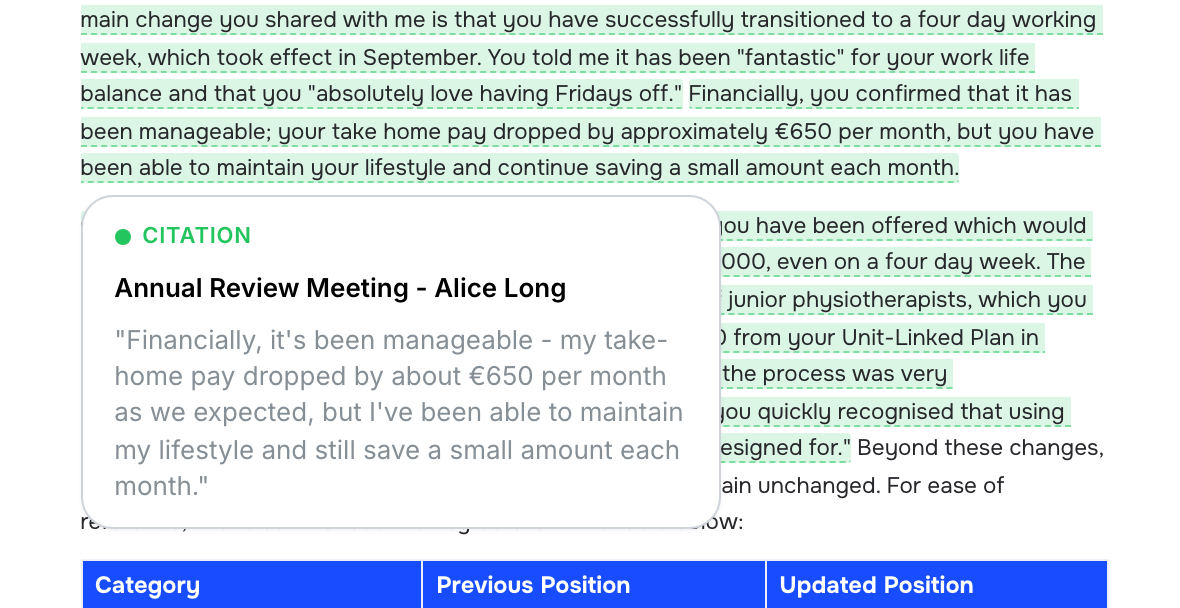
Every document Marloo generates opens with its sentences highlighted by where they came from. Each highlight is labelled when you hover over it: a Citation (green) links a sentence to a file you attached, Reasoning (purple) is Marloo's reasoning, an Inference (blue) is a calculation or judgment, a Gap (amber) is something it could not fill, and a Clash (red) is two sources disagreeing. The highlights show you where to look first in a long document. Citations show a quote Marloo attributes to a source; check it against the source before relying on it. You're responsible for reviewing the whole document before you send it to a client.
Review Mode comes with document generation on the Pro plan, including the Pro trial.
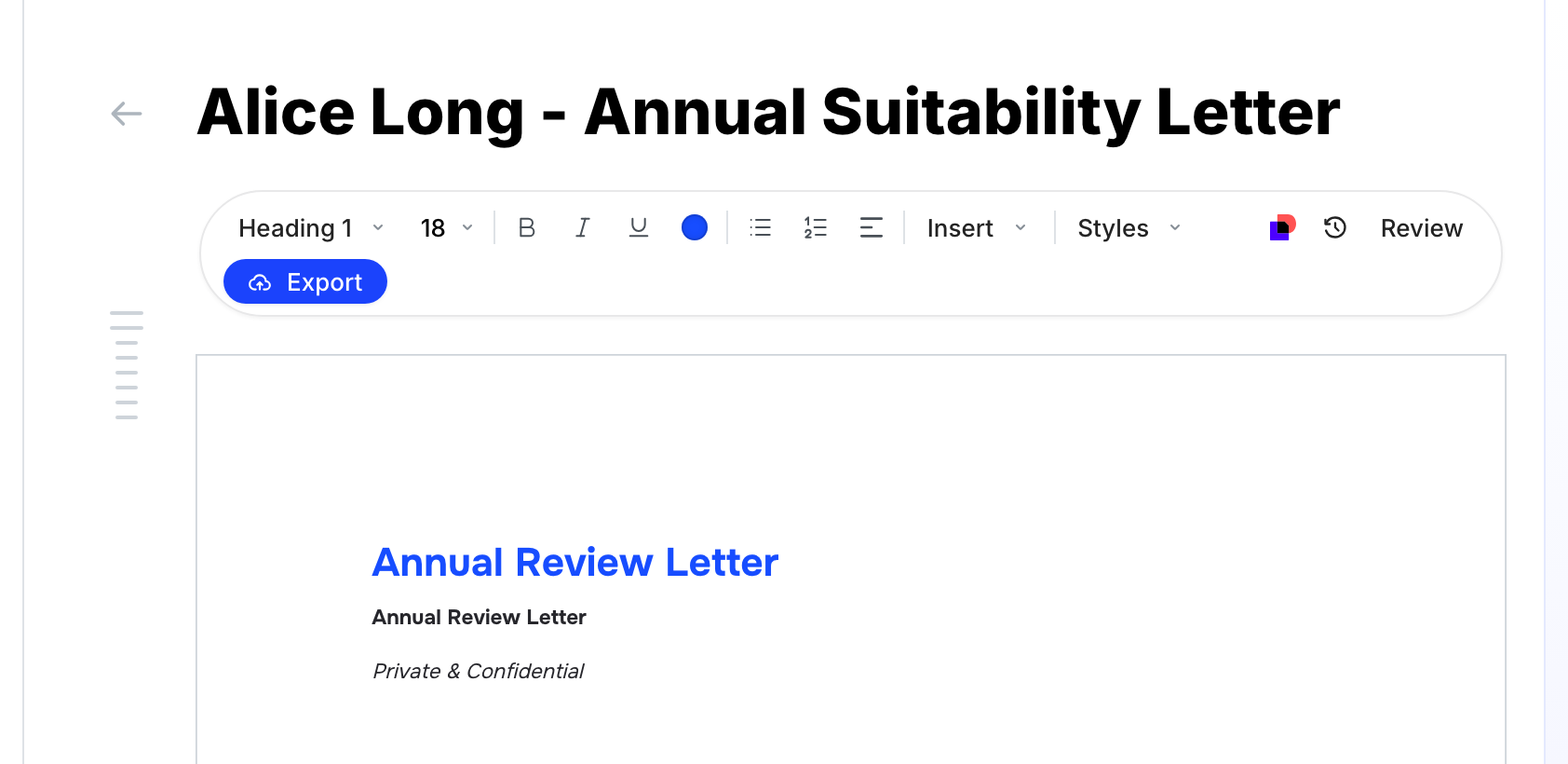
Show or hide the highlights
- Open any document Marloo generated. The highlights are already on.
- Click Review in the toolbar at the top of the editor, next to History and Export, to hide them while you read or present.
- Click Review again to bring them back.
The Review button only appears on documents that have highlights. If you can't see it on a document, Marloo didn't add highlights to that one. Citations can also be switched off for your whole firm on request, so if no document ever shows them, ask us on the help chat.
What each color means
Hover over any highlight to see why it is there. Citation highlights also say Click to open source, and clicking opens the file the sentence came from.
- Green (Citation) - Marloo links the sentence to a file, note, meeting or email you attached, and the pop-up shows the passage it relied on. Open the source when the sentence carries a figure, a client instruction or anything you'd rely on in advice.
- Purple (Reasoning) - Marloo's explanation of how it arrived at a sentence from the sources. Read it when the sentence is a recommendation or an interpretation rather than a fact.
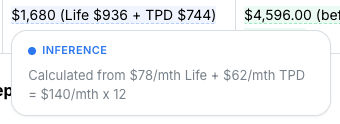
- Blue (Inference) - a calculation, total or judgment Marloo made from the sources. The pop-up shows the working, for example which figures were added to reach a total. Check these every time.
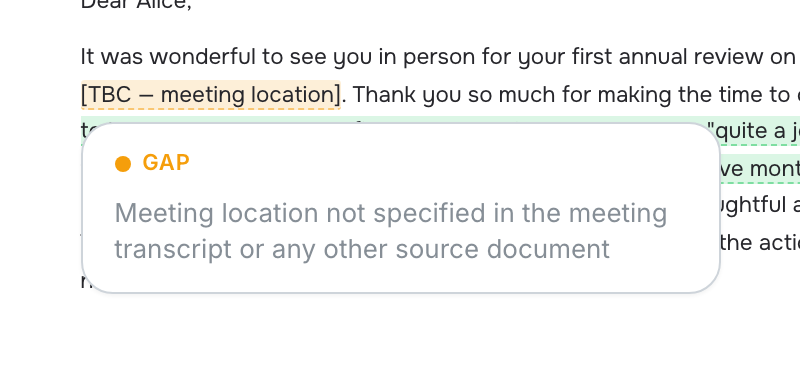
- Amber (Gap) - Marloo did not have the information the template asked for. Treat each one as a to-do: get the detail from the client or attach the file that has it, then regenerate or edit.
- Red (Clash) - two sources disagreed and Marloo had to pick one. The pop-up lists the competing sources and which one it used. Confirm it chose the right one.
A quick review routine
- Check the green Citation highlights against the passage in the pop-up, and open the source for any figure or client instruction.
- Open every blue Inference and purple Reasoning pop-up and check the working or the reasoning.
- Resolve each amber Gap: attach the missing file or type the detail in.
- Check every red Clash picked the source you would have picked.
- Make corrections in the editor or with the Ask Marloo chat on the right. The highlights update as the text changes.
- Hide the highlights with Review if you want a clean read before you export.
Related articles
Still stuck? Talk to a human.
Email the Marloo team with what you are seeing. If you are in the app, the blue chat button in the bottom-right corner is the fastest way to reach us.


