
Import your data from Redtail
How to export your data from Redtail and import it into Marloo.
Redtail is a supported import option into Marloo. You export a database backup from Redtail, then upload it to Marloo, which becomes where you keep your client records.
Export your data from Redtail
- Log in to Redtail and go to the database backups page.
- Click Request Database Backup.
- Wait for the backup to generate. This usually takes 1 to 2 minutes, and you may need to reload the page.
- Click the file name to download the
.sqlfile to your computer.
Import it into Marloo
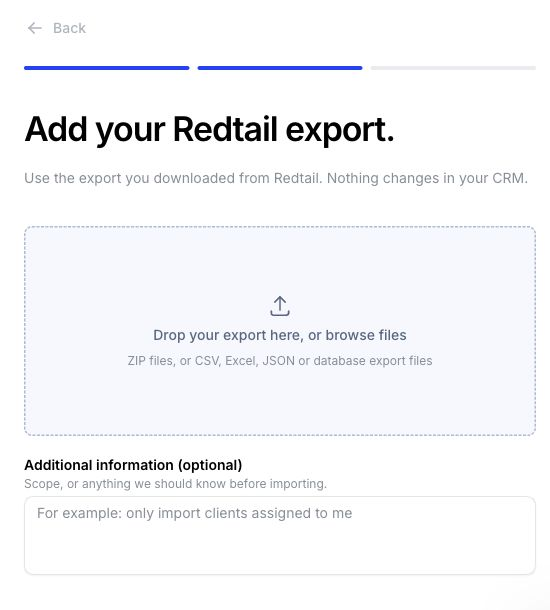
In Settings > Integrations, open Redtail under Client records & CRM, click Upload your export and upload your .sql or .zip file. For the full steps, see Move your clients to Marloo from another CRM.

What comes across from Redtail
- Clients: individuals, companies and businesses, trusts, unions and contact associations, with relationship labels and head-of-household details
- Contact details, tags, lifecycle or status values, and extra detail such as custom fields and tax profile fields
- Appointment activities as Marloo meetings
- Other activities as tasks, with due date, status, priority and related contacts
CRM migration is free, and Marloo's team can move your data the same day.
Related articles
Still stuck? Talk to a human.
Email the Marloo team with what you are seeing. If you are in the app, the blue chat button in the bottom-right corner is the fastest way to reach us.


