
Import your data from Wealthbox
How to export your data from Wealthbox and import it into Marloo.
Wealthbox is a supported import option into Marloo. You export your data from Wealthbox, then upload it to Marloo, which becomes where you keep your client records.
Export your data from Wealthbox
- Log in to Wealthbox and go to Settings > Data Backup.
- Click the green Request Export button.
- Wait for the export to generate. This usually takes 1 to 2 minutes, and you may need to reload the page.
- Download the
.jsonfile to your computer.
Import it into Marloo
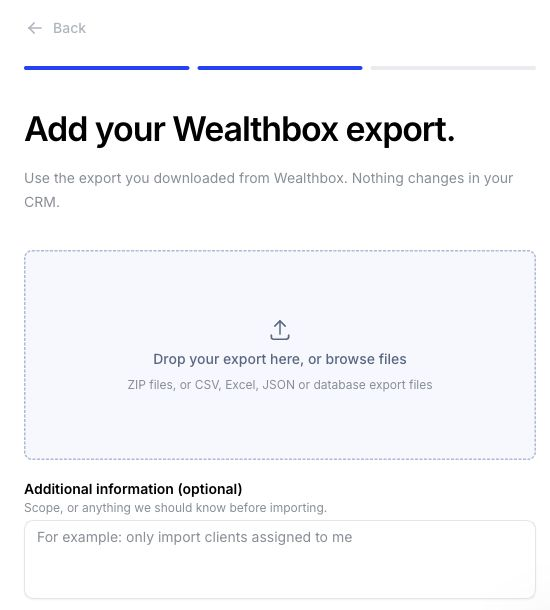
In Settings > Integrations, open Wealthbox under Client records & CRM, click Upload your export and upload your .json or .zip file. For the full steps, see Move your clients to Marloo from another CRM.

What comes across from Wealthbox
- Clients: individuals, households, organizations (brought in as companies) and trusts, with their contact details, tags and contact type
- Meetings, enriched from linked calendar events
- Notes, comments and opportunities tied to a contact, plus household roles and spouse details
- Tasks, with due date, status, priority and related clients
CRM migration is free, and Marloo's team can move your data the same day.
Related articles
Still stuck? Talk to a human.
Email the Marloo team with what you are seeing. If you are in the app, the blue chat button in the bottom-right corner is the fastest way to reach us.


